Questions, answered.
Is Alune a good planner for ADHD?
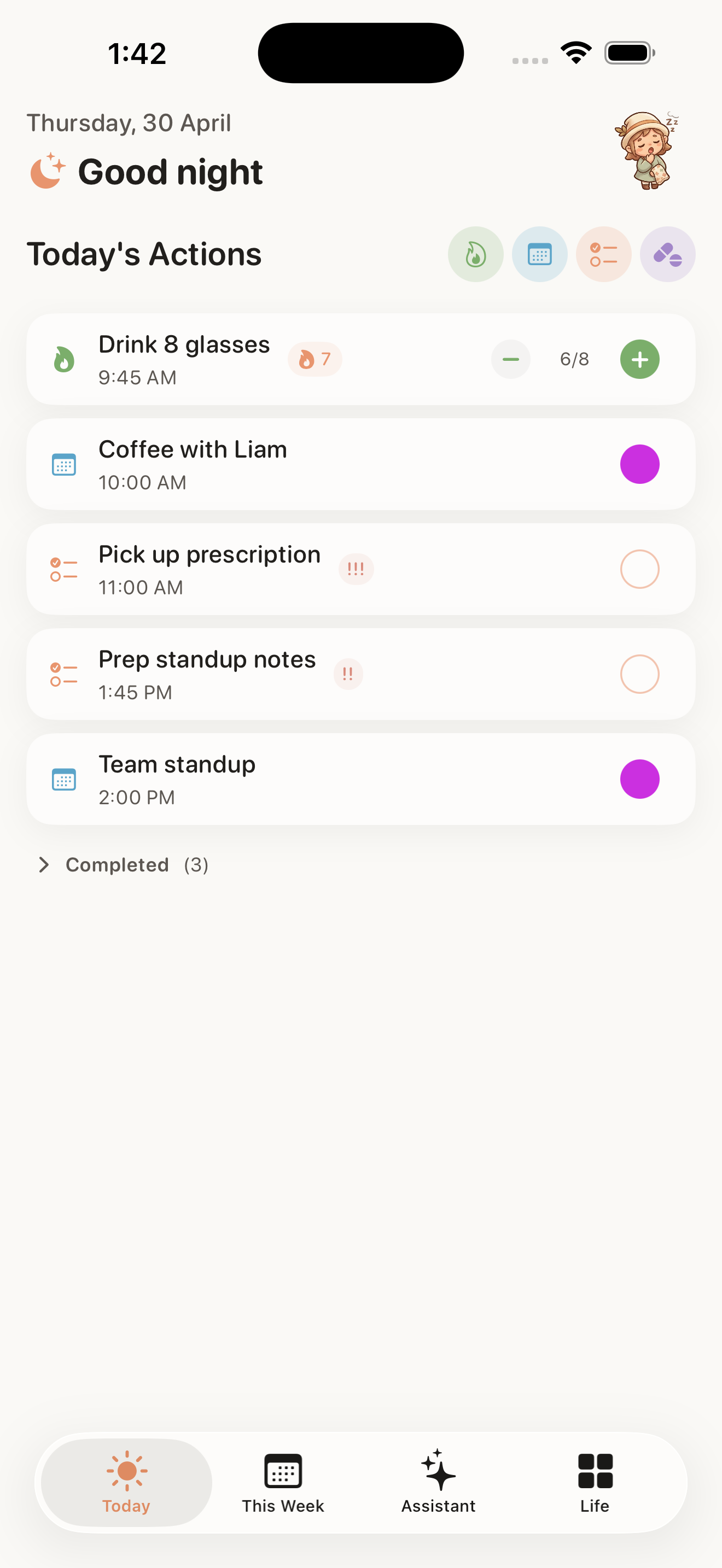
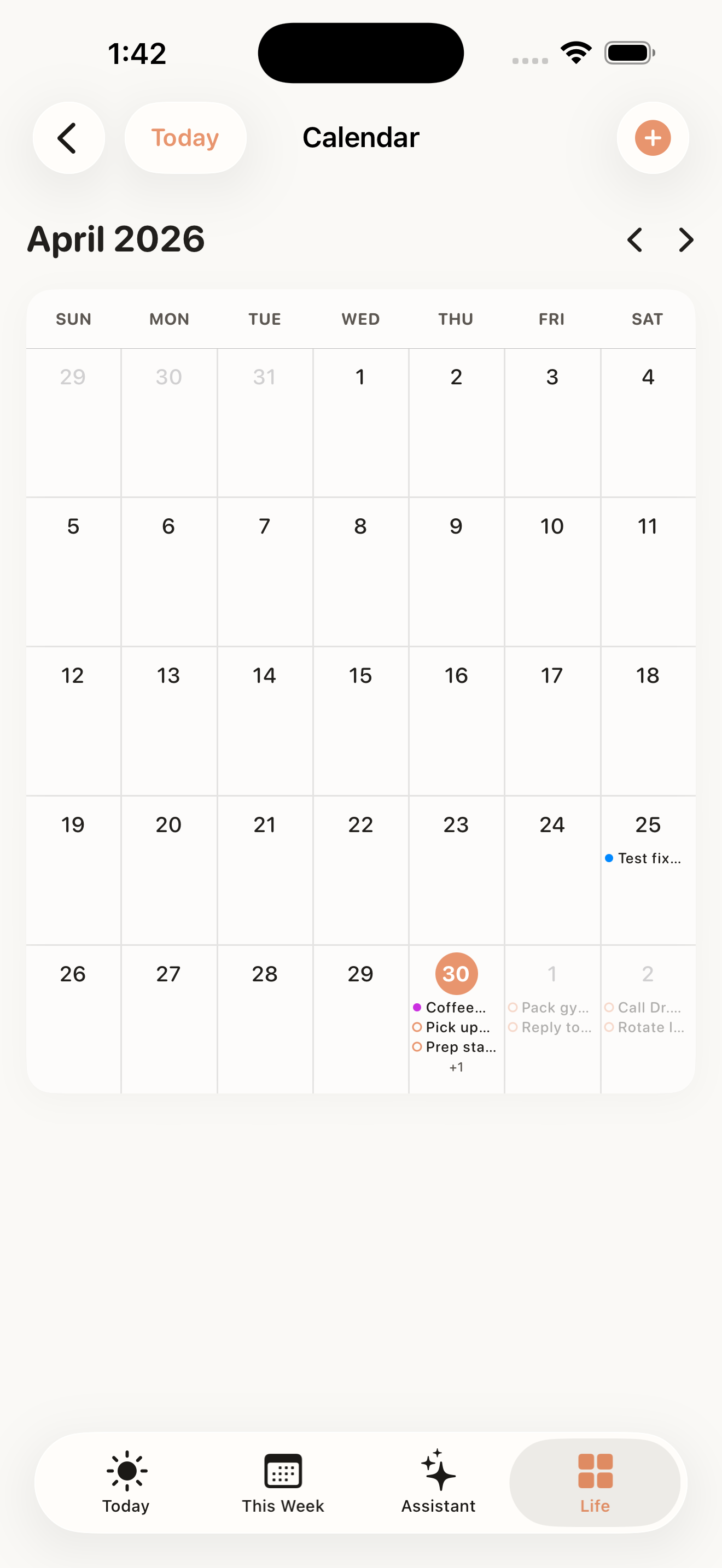
Yes. Alune is built for ADHD and neurodivergent minds first, not adapted for them later. One calm timeline shows only what is left today, the Quick Add bar captures thoughts before they vanish, and widgets and Live Activities keep your next step in sight.
What is a brain dump in Alune?
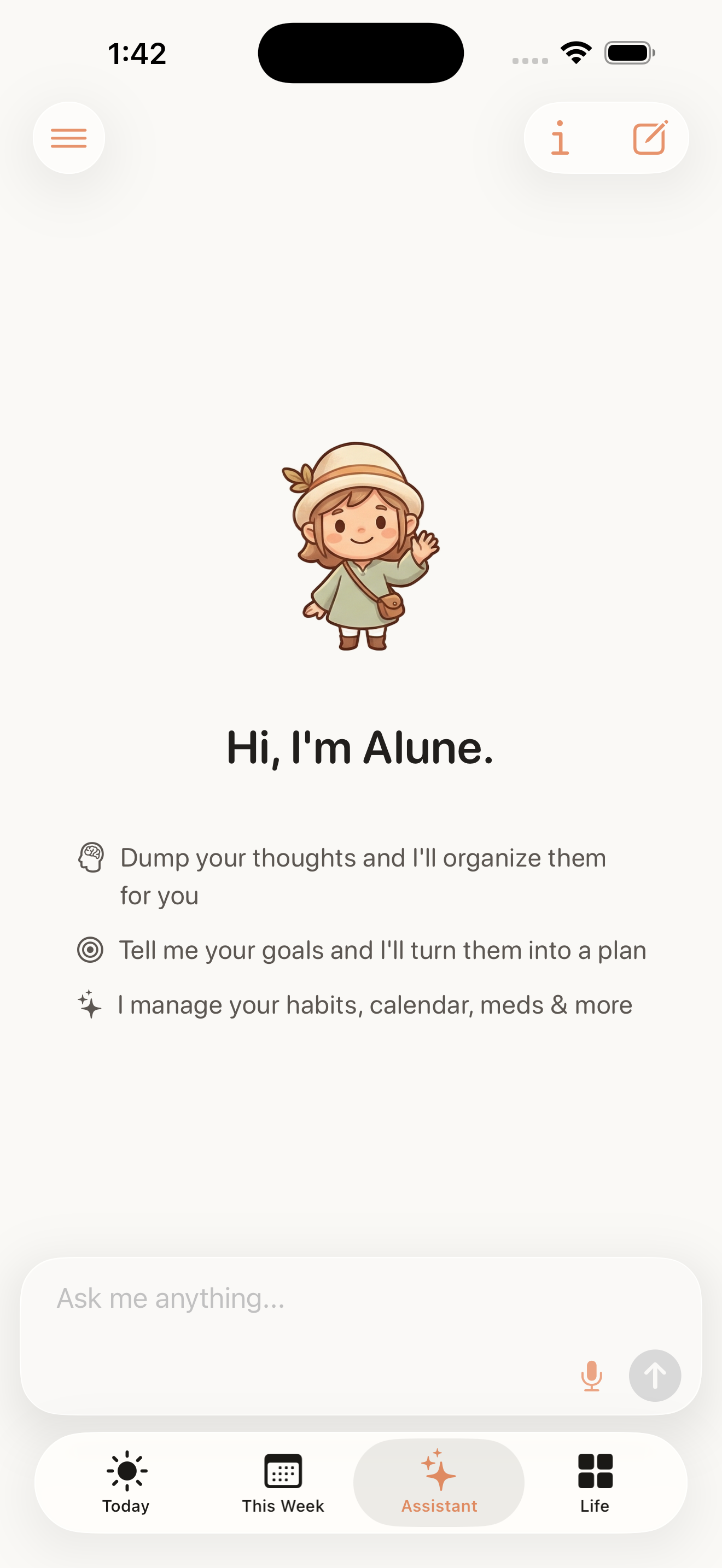
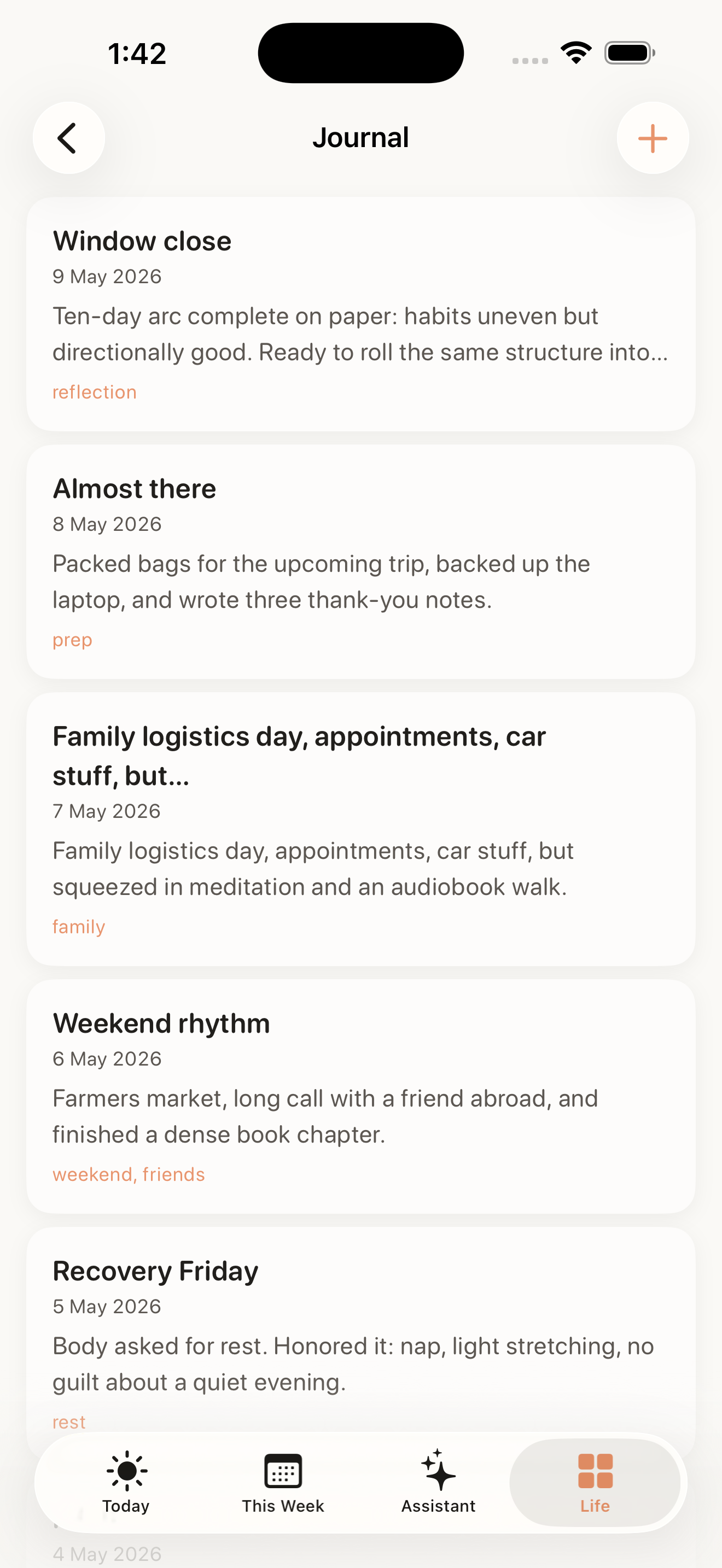
A brain dump is everything on your mind, spoken or typed in one go. Alune's AI assistant sorts it into calendar events, reminders, habits, journal entries, and notes automatically, then tells you what to do next. You capture once and never have to decide where things go.
Does Alune work with Apple Calendar and Reminders?
Yes. Alune reads and writes Apple Calendar. Two-way Apple Reminders sync requires Alune Pro or an existing Lifetime Unlock; free users can use Alune's own To-Do reminders. Connected events and reminders stay in the accounts already configured on your iPhone, with no separate Alune account or migration.
How much does Alune cost?
Alune has a limited free plan. US Alune Pro prices are $4.99 weekly, $9.99 monthly, or $59.99 yearly, checked September 5, 2026. Pro removes free item caps and includes premium tools, AI assistant, and voice access, subject to service usage limits. Prices vary by region; Apple shows your final price before purchase. Compare the free plan and Pro.
Is my data private?
Alune keeps planner content on your iPhone and does not show ads. AI and voice content is processed through zero-retention providers. Product analytics are enabled by default and can be turned off in the in-app Privacy Policy. Limited static product analytics improve the app without session replay, screenshots, notes, journal entries, AI chats, transcripts, calendar and reminder content, or other planner content. Read the plain-English privacy guide.
Which devices does Alune support?
Alune is an iPhone app for iOS 18 and later. It includes Home Screen and Lock Screen widgets, an Up Next Live Activity for the Dynamic Island and Lock Screen, and a built-in Siri shortcut, so your plan stays visible without opening the app.
Is Alune free to use?
Yes. Alune has a limited free plan. Optional Alune Pro subscriptions unlock higher limits and premium features. See the App Store for current pricing.
What is the best planner app for ADHD?
The best planner for ADHD is the one with the least friction to capture a thought and the fewest places to look. Alune is built around both: one calm timeline of what is left today, a Quick Add bar and voice brain dump that catch thoughts before they vanish, and an AI assistant that files them into the right place so you never have to decide where things go.
What are the best ADHD planner apps for iPhone in 2026?
The strongest options fit different planning styles. Alune is best for an Apple-native brain dump that becomes one daily plan, with a limited free tier and iOS 18 requirement. Tiimo is strongest for visual routines, Structured for a clean timeline, Motion for automatic scheduling, and Todoist for established cross-platform task management. Read Alune's transparent eight-app comparison of strengths and tradeoffs.
What is the best AI planner app for ADHD on iPhone?
Alune is the best fit when you want to speak or type a messy brain dump and have AI sort it into Apple Calendar events, reminders, habits, goals, notes, and a calm daily plan. Tiimo is a better fit for highly visual routines, Structured for timeline-first planning, Motion for aggressive automatic rescheduling, and Todoist for cross-platform task management. Compare all five AI planner options.
Is there an Android version of Alune?
Not yet. Alune is currently an iPhone app for iOS 18 and later, built natively for Apple Calendar, Reminders, widgets, Live Activities, and Siri. An Android version is not available today.
Does Alune work offline?
Your planner works offline. Habits, goals, notes, calendar, and reminders all run on your device without a connection. The AI assistant and voice input need internet, since they process your request through a secure, zero-data-retention pipeline.